The whole network, in your pocket
Find your nearest Chargo point, rent a battery and drop it wherever suits you.
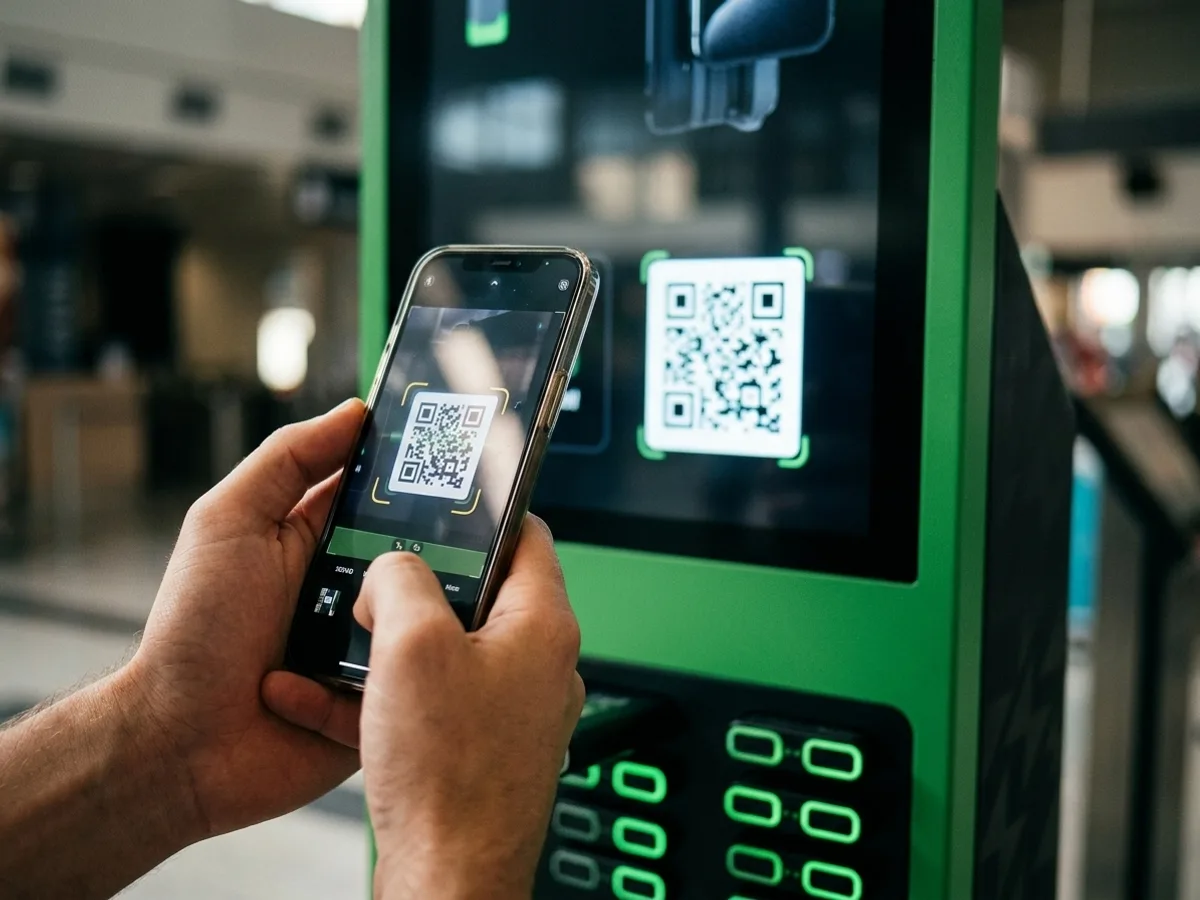
The Chargo app is how you use the network: it shows nearby points with live availability, you scan the QR code on the station, and a charged battery releases. It's available for Android and iPhone.
Key takeaways
- The app shows nearby Chargo points and how many batteries are free.
- You pick up by scanning the station's QR code from the app.
- Returns are open: any Chargo point with a free slot works.
- Terms and pricing are shown before you confirm the rental.
- It's available for Android and iPhone.
Download the app
Pick your store
Links go live once the client confirms the App Store and Google Play URLs.
What the app does
The app handles the whole journey, end to end, without you speaking to anyone.
- Find your nearest Chargo point and check availability before setting off.
- Pick up a battery by scanning the station's QR code.
- See the price and the terms before you confirm.
- Find somewhere to return it, at whichever point is on your way.
Do I need to sign up first?
No. You download the app and everything is handled from there, sign-up included. The goal is under a minute between finding the station and walking away with a battery.
Frequently asked questions
Is the app free?
Yes, downloading it is free. What you pay for is the battery rental, and the price is shown before you confirm pickup.
Which phones does it work with?
There's an Android version and an iPhone version. Minimum OS versions are listed on each store.
Do I need the app to rent a battery?
Yes — pickup works by scanning the station's QR code from the app, which is what identifies the rental and lets you return it at any other point.
Run a venue?
If you want your space to become a Chargo point, the conversation starts here.